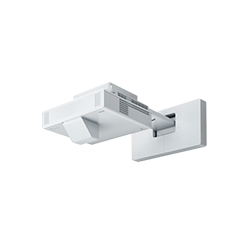
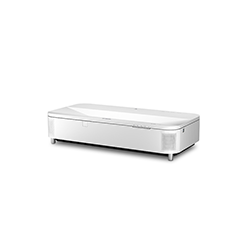
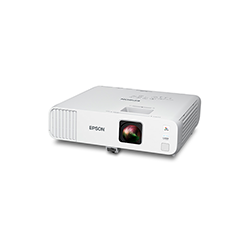
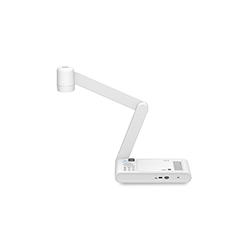
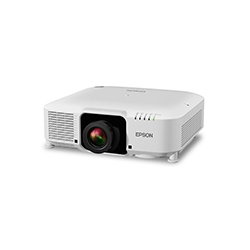
See better.
Learn better.
With a maximum display size up to 160", over 4x the size of 75" flat panels, and simple 1:1 device sharing, students can see the whole picture and engage fully with each lesson.
With a maximum display size up to 160", over 4x the size of 75" flat panels, and simple 1:1 device sharing, students can see the whole picture and engage fully with each lesson.
Present up to four content pieces together and break out of the box of a single-sized flat panel with adjustable aspect ratio options.
Epson’s smartly designed Mobile AV Projector Solution pairs with the PowerLite 810E/815E extreme short throw laser projectors to easily transform almost any wall on the go.
 OS AgnosticEnsure that your display technology will outlive your operating system
 Encrypted Wireless SolutionsEnjoy peace of mind that your content is secure
 Remote ManagementBe anywhere and aware of the health of your devices
 Free Suite of SoftwareSimplify complex tasks to make the most of your investment
 Technical SupportProtect your investment post-purchase with help from our world-class support team